Carrying Proof of License on Your Phone
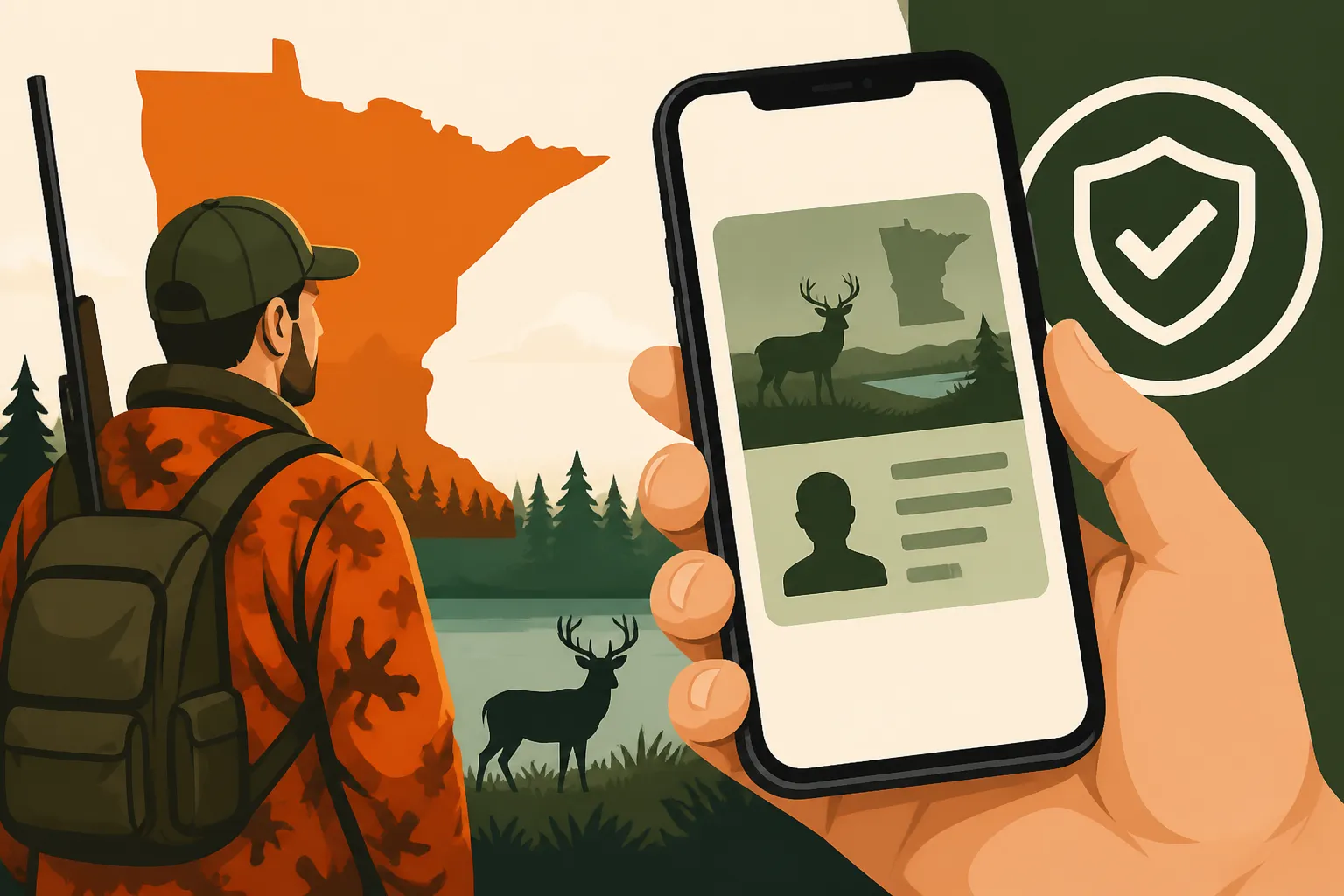
We've all been there: fumbling through wallets, checking pockets, or even doing a frantic pat-down on the truck seat, trying to find that elusive paper hunting license or deer tag right when you need it most. It's a common stressor for hunters, especially when you're rushing to the woods before dawn or after an exhilarating hunt. Thankfully, Minnesota offers a modern solution, allowing hunters to carry proof of their license right on their phone, and this guide will walk you through everything you need to know to leverage this convenient option without a hitch.
The Digital Shift: Minnesota's Stance on Mobile Licensing
Gone are the days when a crumpled paper license was your only valid proof in the field. Minnesota, like many states, has embraced technology to make life a little easier for hunters. This means that, for the most part, you absolutely can carry your hunting and fishing licenses, stamps, and permits digitally on your smartphone or other electronic device. This is a game-changer for convenience, reducing the chances of forgetting your physical documents at home or having them get soaked and ruined in a downpour.
The Minnesota DNR's eLicense system is the backbone of this digital transformation. When you purchase your licenses, whether it's a Minnesota Resident Hunting License Options or a Minnesota Nonresident Hunting License Options, they're all stored electronically. You can usually log into your account through the DNR website on your phone's browser or, in some cases, through specific apps designed for license management. It’s a huge relief to know that your valid documents are just a few taps away, even if your physical wallet is back at camp.
However, it's not quite as simple as just having a screenshot. The regulations often specify that the digital display must be "legible" and show all the required information. This means a clear, un-pixelated image that a conservation officer can easily read. It's also important to remember that while the digital copy is valid, having access to it requires your device to be charged and functional. More on those potential snags later, but for now, rest assured that the intent is to make your hunting experience smoother, not more complicated.
Practicalities of Using Your Phone as Proof
The appeal of carrying your hunting license on your phone is undeniable. Think about it: most of us carry our phones everywhere anyway. It means one less piece of paper to worry about losing, one less item to remember to transfer from one hunting vest to another. For many, it's about streamlining their gear and reducing bulk, which is especially appreciated when you're trying to stay mobile in thick timber or when packing for a long trek into public land.
Imagine you're deep in the Superior and Chippewa National Forest Hunting grounds, miles from your vehicle, and a conservation officer approaches. Instead of digging through multiple pockets or your hunting pack for a paper license that might be tucked away, a quick pull of your phone and a few taps is all it takes to display your credentials. This efficiency can save time and hassle, allowing both you and the officer to get back to what you're doing faster.
Using your phone can also provide immediate access to other vital information. Many hunters use apps like GoHunt for mapping, scouting, and even logging their hunts. Having your license readily available on the same device that holds your GPS coordinates, public land boundaries, and even a digital copy of the regulations can create a truly integrated hunting experience. This way, your phone becomes a central hub for all your in-field needs, from navigation to license verification.
Accessing Your Digital License
When you buy a license through the Minnesota DNR's eLicense system, whether it's in person at a vendor or Buying a Minnesota License on eLicense directly from their website, your purchase is recorded digitally. To access this proof on your phone, you usually have a couple of primary routes:
- DNR eLicense Website: The most common method is to simply navigate to the Minnesota DNR's eLicense portal on your phone's web browser. Log in with your credentials, and you'll typically find an option to view or print your current licenses. You can then display this screen to an officer. Some hunters even take a screenshot of this page, but be aware that regulations might prefer direct access to the live portal to ensure validity.
- DNR Mobile App (if available): While the DNR doesn't currently offer a dedicated mobile app just for license display, this is a direction many states are moving. Always check the official DNR website for the most up-to-date information on any new mobile applications that might be launched.
It's wise to familiarize yourself with the process before you head afield. Try logging in and displaying your licenses a few times at home to ensure you know the steps. This practice run can prevent fumbling in the field, especially if you're in a hurry or under pressure. Remember that while a quick screenshot can seem convenient, ensuring it's a current and legible screenshot showing all necessary details is crucial for compliance.
What Constitutes "Proof"
When a conservation officer asks to see your license, what exactly are they looking for? Whether it's physical or digital, they need to verify a few key pieces of information. This includes:
- Your Name and Address: To confirm your identity.
- License Type and Number: To ensure you have the correct permit for the activity you're engaged in (e.g., deer license, small game license, turkey tag).
- Effective Dates: To confirm the license is valid for the current season. As a reminder, you can check How Long a Minnesota License Stays Valid by looking at the specific dates printed or displayed.
- Permit Area (if applicable): For specific hunts like deer or bear, they'll need to see the designated permit area.
- Any Required Stamps: Like a Pheasant Stamp or a Federal Duck Stamp, if applicable, for migratory bird hunting.
The goal is transparency and clear readability. If your phone screen is cracked, too dim, or the image is blurry, it could be deemed insufficient proof. Always make sure your phone is set to a bright, clear display when showing your license.
| Feature | Physical Paper License | Digital Phone Display |
|---|---|---|
| Convenience | Can be cumbersome, easily lost/damaged | Always with your phone, less bulk |
| Legality | Always valid | Valid if legible and accessible |
| Durability | Prone to water, tears, fading | Screen can crack, battery can die |
| Accessibility | Requires remembering to bring | Requires phone charge and signal/data |
| Backup | No digital backup without photo | Can be a backup to physical, or vice-versa |
| Data Requirement | None | May require data for live access |
| Visibility | Clear print | Dependent on screen condition & brightness |
Avoiding Pitfalls and Having a Backup Plan
While carrying your license on your phone offers unparalleled convenience, it's not without its potential downsides. Relying solely on a digital display can leave you vulnerable if something goes wrong with your device. Smart hunters always have a backup plan, because you never want to be caught in a situation where you can't prove you're legal.
One of the most obvious issues is battery life. We've all experienced our phone dying at the worst possible moment. Imagine finally spotting that elusive buck while Hunting the Peak Rut in Early November, taking a shot, and then realizing your phone is dead just as a conservation officer pulls up. It’s a nightmare scenario that’s easily preventable. Always charge your phone fully before heading out, and consider carrying a portable power bank, especially for longer days in the field or multi-day hunts in remote areas.
Another challenge is cell service. Deep in the Boundary Waters Canoe Area or certain parts of the Minnesota State Forest Hunting areas, cell signal can be spotty or nonexistent. If your digital license requires live access to the DNR website to display, you could be out of luck. While a screenshot might suffice, it's safer to have the ability to access your eLicense account directly if possible. Some hunting apps, including features on GoHunt, allow you to download maps for offline use, and if a similar feature existed for licenses, it would be a huge advantage. Until then, ensure your digital proof can be accessed offline, or have that physical backup.
The Importance of a Physical Backup
Despite the convenience of digital licenses, I cannot stress enough the importance of carrying a physical copy as a backup. It’s cheap insurance against technology failures. Print a copy of all your licenses, stamps, and permits and keep them in a waterproof baggie in your hunting pack. This small effort can save you a world of trouble.
Consider these scenarios:
- Lost or Damaged Phone: Phones get dropped, fall into creeks, or just cease to function. If your primary proof is on that device, you're suddenly without a license.
- Uncooperative Technology: Sometimes apps crash, websites are down, or your phone simply won't cooperate at that critical moment. A physical copy bypasses all these issues.
- Officer Preference: While legal, some conservation officers might simply prefer a physical copy for quick verification, or their equipment might be struggling with a glare on your screen. Having both options makes their job, and your interaction, smoother.
When you're out there, whether you're focused on Pheasant Hunting Minnesota Farmland or waiting patiently on a deer stand, the last thing you want is a legal headache. Having both a digital and a physical copy means you're prepared for anything.
Integrating Digital Tools for a Seamless Hunt
Beyond just carrying your license, your smartphone can be an invaluable tool for nearly every aspect of Minnesota hunting. From scouting to safety, there are countless ways to integrate digital resources into your routine, making your time afield more productive and enjoyable.
Apps like GoHunt, for example, offer robust mapping features that can help you understand terrain, pinpoint public land boundaries, and even track your movements. This kind of detailed mapping can be crucial for navigating dense areas while Still-Hunting Minnesota Big Woods or figuring out the best Entry Routes Through a Cattail Slough. The convenience of having your maps, notes, and license on one device really consolidates your essential hunting gear.
Furthermore, many hunters use their phones for:
- Weather Updates: Crucial for planning your hunt and staying safe.
- Game Calls: Digital calls can be quite effective for various species.
- Note-Taking: Jotting down observations, marking sign, or remembering stand locations.
- Photography: Capturing memories of your successful hunts.
- Safety: Having a reliable communication device for emergencies.
When considering your overall gear setup, think about how your phone fits into the bigger picture. Are you carrying enough power to run it all day? Do you have a rugged, waterproof case to protect it from the elements? Are you familiar with how to use your chosen apps and access your license even with gloves on? These small considerations can make a huge difference in your field experience. Remember that even something as simple as checking Minnesota's Blaze Orange Requirements can be done quickly on your phone if you've saved the regulations digitally.
Ultimately, carrying proof of your license on your phone is a fantastic modern convenience that can genuinely enhance your hunting experience in Minnesota. Just like any tool, understanding its capabilities and limitations, and having a solid backup plan, will ensure you stay legal, prepared, and focused on the hunt.
Disclaimer
The information provided in this guide is for general informational purposes only and does not constitute legal advice. Hunting regulations can change frequently. Always consult the most current official Minnesota Department of Natural Resources (DNR) regulations and statutes before engaging in any hunting activities.