Registering a Minnesota Deer Online
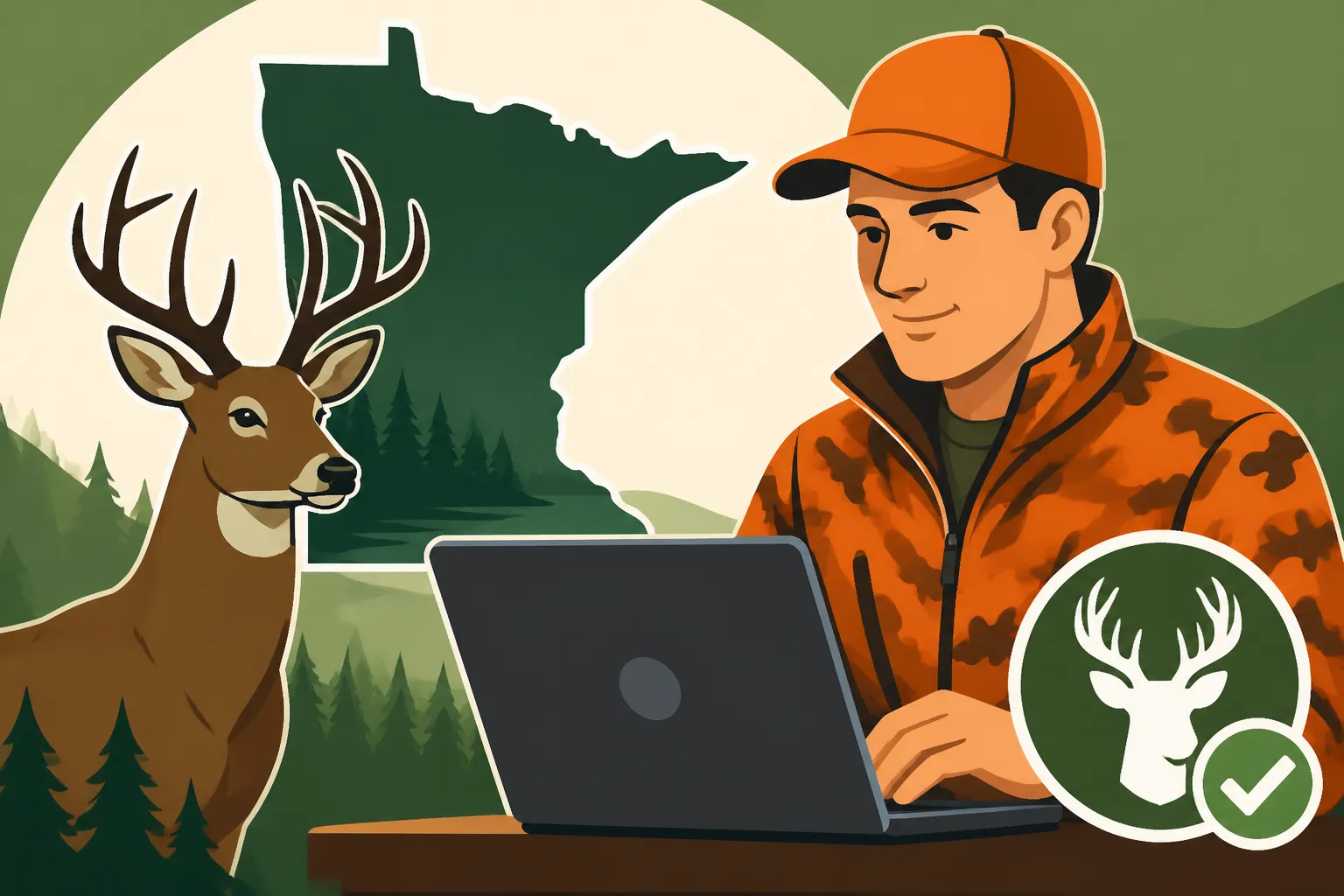
You've just wrapped up a successful hunt, perhaps after days of patient waiting in a chilly Minnesota stand, and now the critical final step of legally registering your deer begins. For many, the thought of finding a physical registration station or a reliable phone signal in the cold can be a real headache. Thankfully, Minnesota offers a streamlined online registration process that simplifies this crucial requirement, saving you time and hassle so you can focus on the venison.
Why Online Deer Registration is a Game Changer
Remember those days of driving around, often in the dark or nasty weather, trying to find an open deer registration station, sometimes only to find it closed or the person running it was out? Or maybe you were scrambling to find cell service in the remotest corners of the state, perhaps up near the Boundary Waters Canoe Area, just to call in your harvest before deadline. Those experiences were, frankly, often a pain in the neck.
The Minnesota Department of Natural Resources (DNR) recognized these frustrations and introduced online registration as a modern, convenient solution. It’s a huge relief, especially for hunters who might be deep in the Superior and Chippewa National Forest Hunting or miles from any town after a successful morning. This digital method ensures you can quickly and accurately record your harvest, fulfilling your legal obligation without unnecessary stress. It also provides the DNR with more immediate and accurate data, which is vital for managing the Minnesota Deer Herd Size and making informed decisions about future hunting seasons and regulations.
The Convenience Factor for Modern Hunters
For today's hunter, convenience is king. We live in a world where almost everything is at our fingertips, and deer registration should be no different. After a successful hunt, especially if you're practicing Field Dressing a Deer in Cold Weather or preparing for the long drag out, the last thing you want to do is add another chore to your plate. Online registration lets you take care of business from the warmth of your vehicle, your cabin, or even back home, as long as you have an internet connection. This is particularly useful during the busy opening weekends of Minnesota's Firearm Deer Season by Zone when registration stations can get swamped.
Think about it: you've just put in all that effort, from scouting with tools like the Minnesota Recreation Compass App to carefully executing your shot. The reward shouldn't come with the penalty of a frustrating registration journey. Online registration integrates seamlessly into the post-harvest routine, making it less of a chore and more of a quick, necessary step before you move on to Butchering a Deer at Camp or celebrating with your hunting partners. It’s also incredibly helpful for hunters who may be traveling a long distance, allowing them to register before embarking on their drive home.
Ensuring Accurate Data for Wildlife Management
Beyond convenience for hunters, the online system significantly improves the accuracy and timeliness of harvest data for the DNR. Every piece of information you submit contributes to a larger picture of Minnesota’s deer population, health, and distribution. This data is critical for understanding trends, assessing herd health, and establishing future regulations, such as setting antlerless quotas or determining specific season dates for different Minnesota Deer Seasons and Permit Areas.
When you accurately input details about your harvest location, sex, and age (if determined), you're directly aiding wildlife biologists. For instance, knowing the age structure of harvested bucks and does helps assess the Minnesota Buck Age Structure and overall health of the herd. The ability to collect this data quickly and efficiently through an online platform means wildlife managers can respond to changes in the deer population more dynamically, ensuring sustainable hunting opportunities for years to come. This proactive approach to data collection is a cornerstone of responsible wildlife management.
Step-by-Step Guide to Online Deer Registration
Navigating the online registration system is straightforward, but it helps to know what to expect. Having all your information ready beforehand will make the process even quicker. Remember, this isn't just a formality; it's a legal requirement, and ensuring accuracy is paramount.
What You'll Need Before You Start
Before you even open your browser, gather a few key pieces of information. This isn't like trying to remember where you saw that big buck on a Reading a Ridge for Northern Minnesota Deer map; these are concrete details required for legal compliance.
Here's a handy checklist:
| Information Needed | Details/Notes |
|---|---|
| Your Minnesota DNR Customer ID | Found on your hunting license. |
| Date of Harvest | The exact date the deer was taken. |
| Time of Harvest | The approximate time of day. |
| County of Harvest | The county where the deer was physically taken. |
| Deer Permit Area (DPA) of Harvest | The specific DPA where the deer was harvested. (Check your license/DNR maps). |
| Sex of Deer | Buck (antlered) or Doe (antlerless). |
| Antler Points (if applicable) | Count the number of points on both antlers for antlered bucks. |
| Harvest Method | Archery, Firearm, Muzzleloader, etc. |
| License Type Used | e.g., Resident Deer Firearms, Resident Deer Archery, Bonus Antlerless. |
| Land Type | Public or Private. |
| Confirmation Number from your license/tag | This links the harvest to your specific license. |
Make sure your Minnesota Hunting Licenses and What They Cost are current and you have your customer ID ready. It's often printed right on your license. Knowing whether you were hunting on public land, like a WMA you scouted on GoHunt, or private land, is also a required field. Double-checking all these details before you start will prevent any backtracking or frustration during the online submission.
Walking Through the Online Submission Process
Once you have your information ready, head to the official Minnesota DNR website. Look for the "Game & Fish" section, and then find the link for "Deer Harvest Registration" or something similar.
- Log In: You'll typically be prompted to log in using your DNR Customer ID and possibly your birth date. This links the harvest directly to your hunter profile. If you don't have an online account associated with your Customer ID, you might need to create one, which is usually a quick process.
- Select "Register a Deer": Once logged in, you'll find an option to initiate a new deer registration.
- Enter Harvest Details: This is where you'll input all the information you gathered in the previous step. Be meticulous!
- Date and Time: Select the correct date and approximate time.
- Location: Choose the county and the specific Deer Permit Area (DPA). If you’re unsure about the DPA, you can use the DNR's interactive maps or check your license. For example, if you were hunting in a What an Intensive Permit Area Allows zone, make sure to select that specific DPA.
- Deer Characteristics: Indicate the sex of the deer (buck or doe). If it's a buck, you'll need to count and enter the number of antler points.
- Method and License: Specify the hunting method (e.g., archery, firearm) and the exact license you used for that harvest (e.g., your regular firearm tag, a bonus antlerless tag).
- Land Type: Indicate whether it was public or private land.
- Review and Confirm: Before submitting, the system will present a summary of all the information you’ve entered. Take a moment, breathe, and review everything carefully. It's much easier to correct a mistake now than after submission. Ensure all details match your hunting license and the actual harvest.
- Submit: Once you're confident everything is correct, hit the submit button. You'll receive a confirmation number immediately. This is your proof of registration, so write it down, take a screenshot, or print it.
This process generally takes only a few minutes if you're prepared. It's a far cry from the old days of searching for an open station or dealing with a spotty phone signal. Many hunters even use their phone's GoHunt app to mark the exact harvest location and confirm the DPA before even thinking about registration.
Troubleshooting Common Online Registration Issues
While the online system is designed to be user-friendly, sometimes glitches happen or specific scenarios can cause confusion. Don't panic; most issues are easily resolved.
What If You Don't Have Cell Service or Internet?
This is a common concern, especially for those who truly embrace the wilderness experience, perhaps while Hunting the Boundary Waters Canoe Area or in remote northern forests. The key thing to remember is that you must register your deer before processing it or leaving the state. This doesn't mean you have to register it at the moment of harvest if you're out of service.
The DNR understands that connectivity isn't always available. If you're in an area without cell service or internet, the expectation is that you will transport your deer to a location where you can connect and register it online as soon as possible. This might mean driving to the nearest town, a friend's cabin, or simply a spot with better reception on the drive out. Do not start butchering or quartering your deer until it's registered. If you were on a trip and just completed Tracking a Deer in Fresh Minnesota Snow for hours, you'll need to get it to a place with service first. Keep your deer intact, with the tag properly affixed, until registered.
Incorrect Information or System Errors
Mistakes happen, especially when you're excited or tired after a long hunt. If you accidentally enter incorrect information during registration, or if you encounter a system error that prevents you from completing the process, don't just leave it.
Your first step should be to contact the Minnesota DNR's Information Center or your regional DNR office immediately. Explain the situation clearly, providing your Customer ID and any confirmation numbers you might have received. They can often correct errors on their end or guide you through a workaround. Attempting to re-register with corrected information without contacting them first might lead to duplicate records or further confusion. It's much better to be transparent and seek assistance to ensure your harvest is legally and accurately recorded. They're there to help you comply with Minnesota Deer Registration Rules, not to penalize honest mistakes.
Important Considerations After Registration
Congratulations, you've successfully registered your deer online! The hard part is mostly over, but there are still a few things to keep in mind to ensure everything is above board and you're ready for the next steps.
Printing Your Confirmation and Tagging Requirements
After successfully submitting your online registration, you'll receive a confirmation number. This isn't just a receipt; it's your legal proof of registration. You need to write this confirmation number directly on your physical deer license tag. The tag should already be attached to your deer as soon as you recover it, but this final step completes the tagging requirement.
Some hunters prefer to print out the online confirmation and attach it to the deer as well, especially if they're still in the field for a while or traveling. While not always strictly required beyond writing the number on the tag, it offers an extra layer of peace of mind. Make sure the confirmation number is clearly legible on your tag, as DNR officials may check it. This crucial step is part of adhering to the Minnesota Deer Registration Rules and ensures transparency about your harvest.
When a Physical Station Might Still Be Necessary
While online registration is highly convenient, there might be rare instances where visiting a physical registration station is still necessary or preferred. This could be if you have persistent technical issues with the online system, if you're truly in an area with no connectivity for an extended period, or if you simply prefer the traditional method.
Some check stations, particularly those involved in Minnesota's Four-Year CWD Testing Rotation or in CWD Management Zones, might offer additional services or have staff on hand to answer questions. However, for the vast majority of deer taken during general seasons like Minnesota's New Statewide Rifle Rules, the online system is the primary and most efficient method. Always check the current DNR regulations for any specific requirements in your hunting area, especially if you're in a CWD surveillance or management zone, as these areas can have additional rules or mandatory testing procedures.
Keeping Records for Future Reference
It's always a good practice to keep detailed records of your hunts, and deer registration is a key part of that. Beyond the confirmation number, consider logging details like the exact location (you might even mark it on your GoHunt app), weather conditions, and any other observations. This personal data can be incredibly valuable for future scouting and hunt planning.
Your confirmation number, along with your physical license tag, serves as proof of legal harvest if ever needed. Consider keeping a digital or physical folder with all your hunting licenses, tags, and registration confirmations for at least a year or two. This practice helps ensure you're always compliant and ready should any questions arise. Plus, it’s a great way to look back on past successful hunts and remember the details, making each experience even more memorable.
Disclaimer
Please note: The information provided in this guide is for general informational purposes only and is not a substitute for the official regulations and laws published by the Minnesota Department of Natural Resources (DNR). Hunting regulations can change, and it is the hunter's responsibility to review and comply with all current Minnesota hunting laws and rules before participating in any hunting activities. Always consult the official Minnesota DNR website or regulation handbook for the most up-to-date and accurate information.